
STOP DESTROYING YOUR PC PERFORMANCE! 3 HIDDEN GRAPHICS SETTINGS ARE EATING 40% OF YOUR FPS IN THE WITCHER 3 REMASTERED! 🖥️⚡💣
Are you running an RTX or RX graphics card but still getting stuttering, laggy framerates in Novigrad and Oxenfurt?! What if turning down just TWO invisible settings could double your framerate without losing ANY visual quality?! 😱🔥
Hardware benchmarkers have unlocked the ULTIMATE PC Optimization Guide! From killing visual clutter like Chromatic Aberration and Motion Blur to pinpointing the massive CPU bottlenecks caused by Ray Tracing and Crowd Density—your game is about to run buttery smooth at maximum visibility! 🎮📈
The single biggest FPS thief? Ray Traced Global Illumination paired with Ultra HairWorks! Dropping these un-optimized settings instantly restores up to 45% of your frame headroom while keeping Geralt looking photorealistic! 🛑👀
Are you enjoying a smooth 120 FPS experience, or is your GPU boiling trying to render useless screen blur? Drop your PC specs below! 👇⚙️
📽️ Watch the full PC optimization & FPS benchmark breakdown:
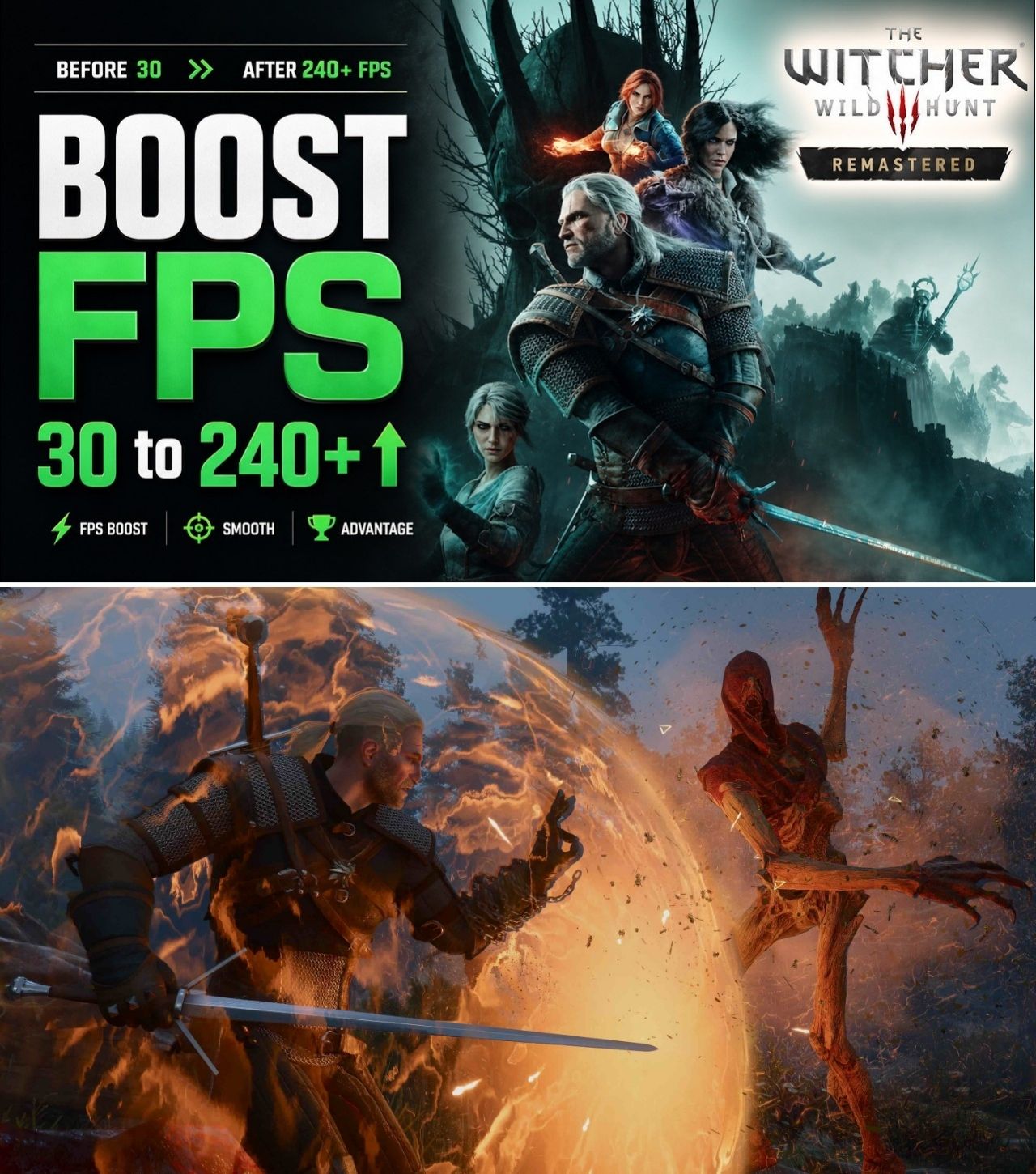
The Witcher 3: Wild Hunt Remastered brought impressive visual enhancements to CD Projekt Red’s open-world RPG, but its DirectX 12 performance overhead continues to push mid-tier PC hardware to its limits. Players navigating crowded hubs like Novigrad frequently suffer from micro-stutters and severe framerate drops.
To address these performance hurdles, tech analysts and hardware benchmarkers have compiled a optimized PC settings guide. By isolating high-impact graphic options from low-impact visual post-processing effects, players can regain up to 30% to 50% more FPS while significantly improving target visibility in fast-paced combat.
THE HIDDEN PERFORMANCE KILLERS IN WITCHER 3 REMASTERED
While default presets like “Ray Tracing Ultra” or “Ultra+” look breathtaking in static screenshots, they introduce heavy GPU and CPU bottlenecks during active gameplay. Hardware analysis reveals that three specific settings account for nearly half of all lost performance:
-
Ray Tracing Global Illumination (RTGI): While atmospheric, RTGI causes massive frame drops on mid-range GPUs and introduces traversal stutter when loading new game zones.
-
HairWorks & HairWorks AA: HairWorks applies real-time strand physics that can slash framerates by up to 20% in close-up combat scenes involving monsters or Geralt’s hair.
-
Crowd Density: Pushes heavy single-thread demands on the CPU. Dropping this from High to Medium drastically reduces frame drops in urban zones like Novigrad with minimal visual impact.
RECOMMENDED BENCHMARK SETTINGS MATRIX
| Graphic Option | Recommended Value | Performance Impact | Visual & Clarity Impact |
| Motion Blur & Blur | OFF | Low (+2% FPS) | HIGH (Eliminates screen smearing during camera rotation) |
| Chromatic Aberration & Depth of Field | OFF | Low (+2% FPS) | HIGH (Sharpens distant objects and background elements) |
| Crowd Density | Medium | HIGH (+12% CPU FPS) | Low (Slightly fewer background NPCs in markets) |
| Foliage Visibility Range | High (avoid Ultra+) | VERY HIGH (+15% GPU FPS) | Medium (Maintains dense forests without pop-in) |
| Grass Density | High | Medium (+6% FPS) | Low (Retains rich ground coverage) |
| NVIDIA DLSS / AMD FSR / XeSS | Quality Mode | EXTREME (+30% to 45% FPS) | Minimal (Delivers near-native image sharpness) |
CLEAR VISIBILITY: DISABLING POST-PROCESSING CLUTTER
In competitive or high-difficulty action games, visual clarity is paramount. Features such as Motion Blur, Chromatic Aberration, and Vignetting intentionally distort the screen edges to mimic cinematic camera lenses.
Disabling these post-processing options sharpens image clarity across all display resolutions. Enemies, herbs, and lootable containers become far easier to spot from a distance, allowing players to react faster in intense combat encounters without camera-blur distractions.
COMMUNITY BENCHMARK RESULTS
On forums like r/pcmasterrace and hardware subreddits, community feedback confirms that targeted optimization yields a far smoother gameplay experience than brute-forcing max presets.
“Running everything on Ultra+ dropped my RTX 3070 down to 45 FPS in Novigrad,” shared one PC enthusiast on Reddit. “Following the recommended tweaks and setting Foliage Range to High immediately boosted my framerate to a locked 85 FPS without any noticeable hit to image quality.”
Furthermore, turning on DLSS Frame Generation or AMD FSR Frame Generation on supported hardware has proven to be a game-changer for smoothing out remaining DirectX 12 CPU traversal stutters.
VERDICT
Brute-forcing The Witcher 3 Remastered at raw max presets is a recipe for unstable frame times. By disabling cinematic lens blurs, lowering foliage pop-in limits to High, and utilizing AI upscalers on Quality mode, PC gamers can experience Geralt’s journey with maximum responsiveness and crystal-clear visual clarity.

Leave a Reply