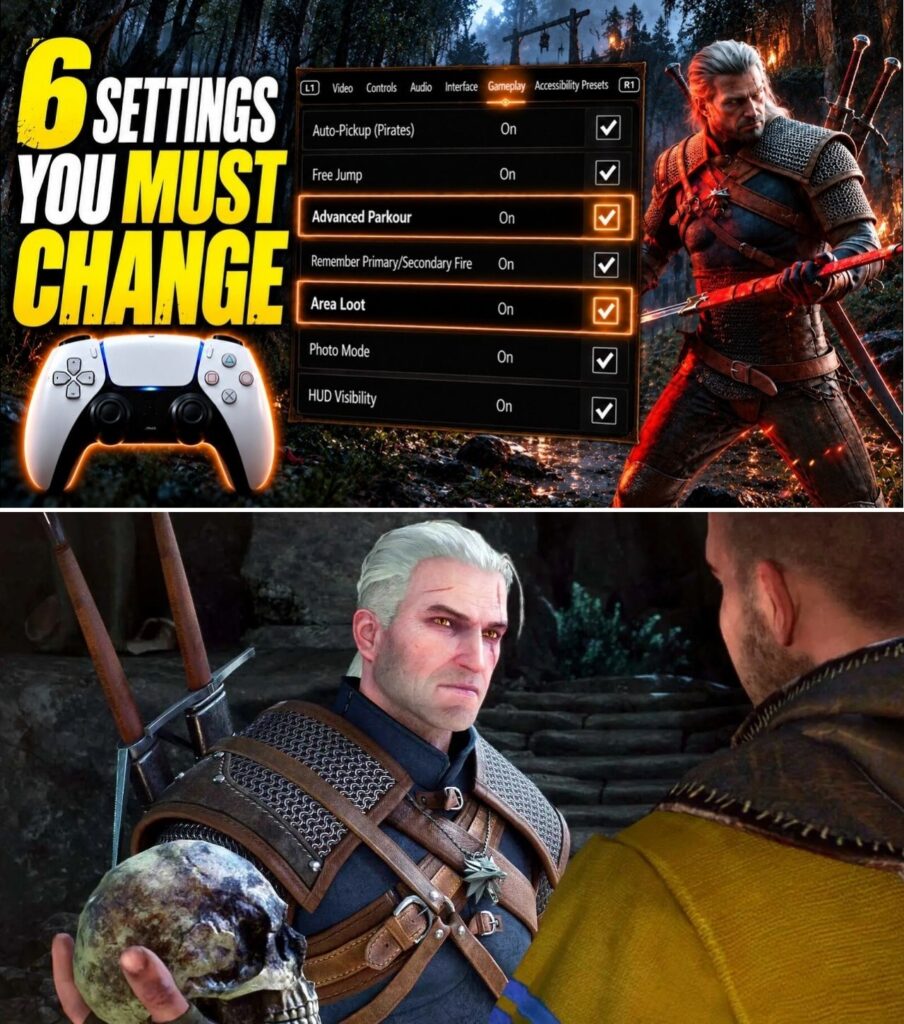
🚨 The Witcher 3 Next-Gen settings trap is secretly ruining your entire playthrough—and 90% of players are still using the wrong defaults! 😱🎮
For years, veteran Witchers thought they had the Continent mastered. But ever since CD Projekt Red dropped the massive Next-Gen update, certain hidden graphic sliders and gameplay toggles have been quietly eating away at your FPS, tanking your combat responsiveness, and wrecking your immersion.
You’ve probably been tinkering with Ray Tracing and motion blur, thinking you’re optimizing your game… but you are completely missing the 6 crucial settings that change everything. One specific toggle alone fixes that infuriating input lag during sword fights, while another reveals details in Velen you didn’t even know existed.
Are you playing with handicaps without even realizing it? The community is losing its collective mind over what the pros just uncovered…
👇 Check out the full breakdown and see if your setup passes the test before your next Death March run!
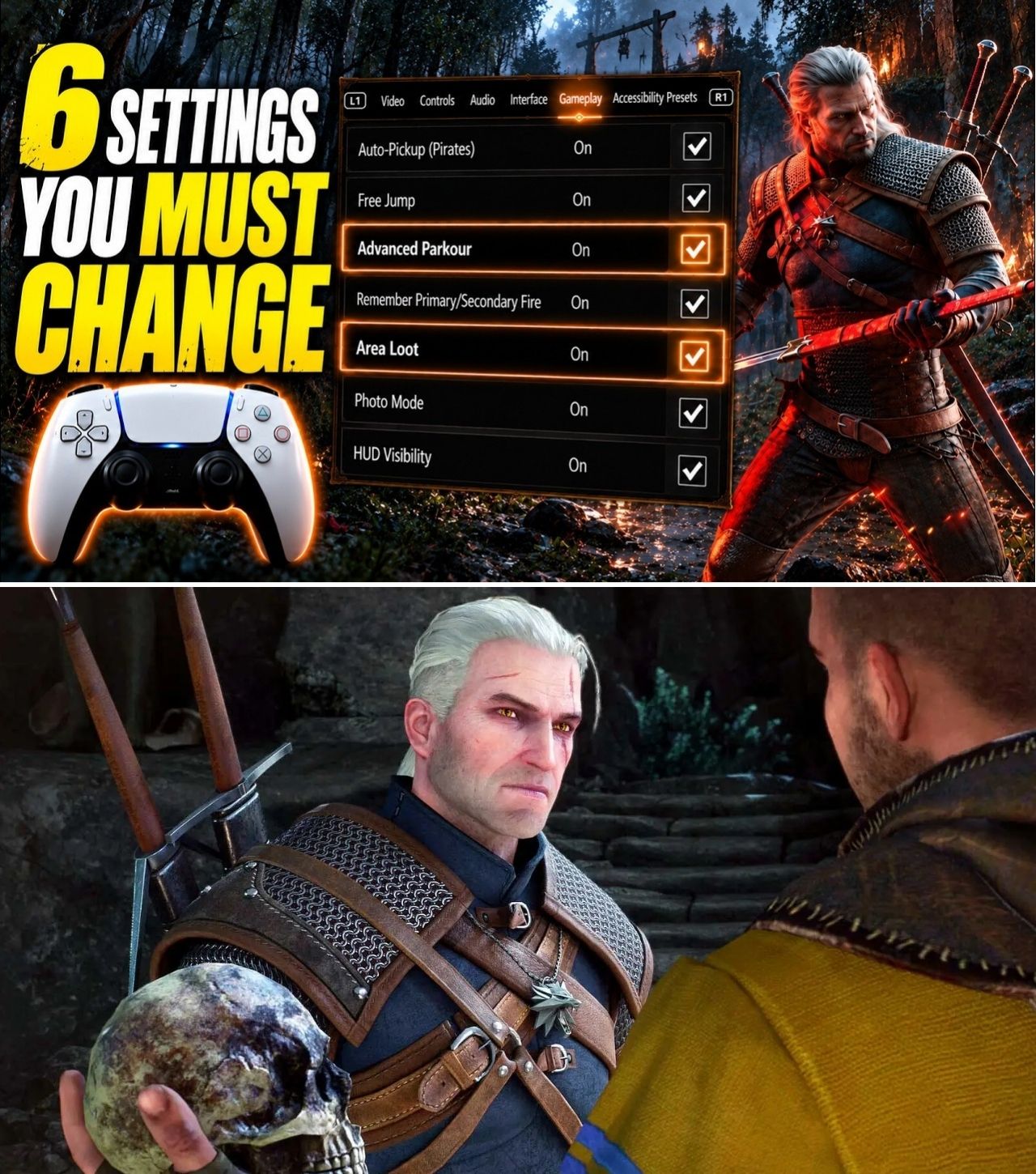
Years after its initial 2015 debut and subsequent blockbuster Next-Gen overhaul, The Witcher 3: Wild Hunt remains a towering benchmark for open-world role-playing games. Yet, even as millions of players return to the Path via the Version 4.0+ updates on PC and current-gen consoles, a silent technical divide has split the community. According to active discussions across Reddit, X (formerly Twitter), and specialized Discord hubs, an overwhelming majority of players are inadvertently sabotaging their gameplay experience—not through poor combat builds or missed side quests, but through deep-menu configuration traps.
While casual players often default to preset graphical configurations, veteran community members and technical analysts have zeroed in on six specific settings that fundamentally alter performance, visual fidelity, and mechanical responsiveness. As forums light up with debates over frame pacing and input latency, a closer examination reveals why these six settings have become the ultimate litmus test for anyone stepping back onto the Continent.
Setting #1: Alternative Movement Response — Ending the Locomotion Clunk
Few complaints dogged the original 2015 release of The Witcher 3 quite like Geralt of Rivia’s heavy, momentum-based turning physics. Described by critics at launch as feeling “like steering a tank,” Geralt’s default movement made precise positioning during tense encounters against Drowners or Packs of Wolves an exercise in frustration.
With the Next-Gen update, CD Projekt Red integrated the “Alternative Movement” preset directly into the game’s core options, yet default installations frequently retain or obscure its optimal tuning. Community consensus on the r/witcher subreddit overwhelmingly points to enabling Alternative Movement as the single most impactful quality-of-life change a player can make.
By sharpening turning radiuses and eliminating the exaggerated inertia, Geralt transitions seamlessly from exploration to combat strafing. For players tackling Death March difficulty—where a single mistimed dodge can result in a loading screen—this setting transforms combat from a sluggish struggle against game geometry into the fluid, dance-like swordplay envisioned by Andrzej Sapkowski’s source material.
Setting #2: Nvidia DLSS / AMD FSR 3 / Frame Generation — Navigating the Performance Minefield
The introduction of Ray Tracing (RT) global illumination and ambient occlusion in the Next-Gen update breathed breathtaking new life into Novigrad’s cobblestones and the murky swamps of Velen. However, it also brought high-end hardware to its knees.
Social media timelines on X have frequently erupted over stuttering frame rates and sudden performance dips, even on powerful rigs. The culprit? Blindly enabling Ray Tracing without pairing it with proper upscaling technology.
Technical breakdowns shared across digital forums emphasize that leveraging DLSS (on Nvidia architecture) or FSR (on AMD/Console hardware) is no longer optional for players targeting stable 60+ FPS at high resolutions. More importantly, mastering the balance between resolution scaling and sharpness filters prevents the notorious “smeary” texture artifacting that plagues hasty graphical setups. Players failing to calibrate these temporal upscalers report missing subtle visual cues in dark environments, such as the faint glow of active Aard traps or enemy telegraphs.
Setting #3: Subtitles, Dialogue Scaling, and HUD Clutter — Reclaiming Immersion
While visual performance dominates hardware discussions, interface customization remains a fierce battleground for purists and modern gamers alike. The Next-Gen update introduced expanded HUD scaling options, allowing players to strip away mini-maps and floating objective markers for a more cinematic experience.
However, community guides heavily emphasize fine-tuning the Fish-Eye Effect and Camera Distance settings. The default camera sits tightly over Geralt’s shoulder, which—while cinematic during dialogue—severely restricts peripheral vision during chaotic group fights against Nekkers or Wild Hunt Hounds.
By pushing the gameplay camera distance back and disabling aggressive motion blur and chromatic aberration, players gain crucial spatial awareness. Discussions on Discord channels dedicated to high-level alchemy builds point out that maintaining situational awareness of toxicity meters and active Quen shields is vastly easier when the UI isn’t obscuring enemy attack animations.
Setting #4: Dynamic Resolution Scaling and Performance vs. Quality Modes
Console players on PlayStation 5 and Xbox Series X|S face a stark architectural choice: Performance Mode (targeting 60 FPS) versus Quality Mode (featuring Ray Tracing at 30 FPS).
For years, digital-foundry-style community threads have debated the merits of each, but consensus among seasoned action-RPG veterans heavily favors locking down a stable frame rate. In a game where parry windows and counter-attacks rely on split-second visual audio cues, the input latency introduced by fluctuating 30 FPS caps in Quality Mode can spell doom.
Furthermore, adjusting the chromatic aberration and film grain toggles—frequently cited by digital artists and fanpage creators as unnecessary post-processing grit—clears up the image pipeline, allowing the game’s intricate armor textures (such as the Grandmaster Feline or Wolven gear sets) to pop with crisp, unblemished detail.
Setting #5: Target锁定 (Target Lock) and Auto-Sword Drawing Mechanics
Among the most controversial quality-of-life toggles in The Witcher 3 are the automated systems governing weapon selection and enemy locking. By default, the game attempts to auto-draw steel or silver swords based on enemy proximity and automatically snap target locks during melee engagements.
In practice, high-level players report that these automated features frequently backfire. Drawing a steel sword against a roaming pack of monsters by mistake, or having the camera violently snap away from a priority target (such as an Arachas or a high-level Bruxa), has cut short many iron-man playthroughs.
Disabling auto-sword drawing and refining manual target-switching behavior gives players absolute control over their engagement strategy. In the heat of battle—where oil applications, potion cooldowns (Superior Thunderbolt, Tawny Owl), and sign casting demand absolute precision—removing software interference is paramount.
Setting #6: Hardware-Level HDR Calibration and Black Level Balancing
The final setting frequently overlooked by returning pilgrims to the Continent involves high dynamic range (HDR) and gamma calibration. Velen and White Orchard are deliberately designed to be grim, atmospheric, and oppressive; however, incorrect black-level configurations can crush shadow details into an impenetrable, muddy void.
Community visual artists note that default HDR peak brightness settings often wash out the vibrant sunsets of Toussaint or obscure lurking ghouls in underground caves. Properly calibrating paper white and peak luminance ensures that pitch-black nights remain terrifyingly atmospheric without rendering combat unreadable.
The Community Verdict: The Path Awaits
As discussions around The Witcher 3 Remastered continue to evolve across global forums, one reality remains clear: CD Projekt Red’s masterpiece is a game of staggering depth, both in its narrative and its technical underpinnings.
For newcomers and veteran witchers alike, taking ten minutes to audit these six foundational settings separates a frustrating, clunky stumble through the wilderness from the fluid, immersive masterclass in dark fantasy that the developers originally intended. As the community continues to dissect every patch note and hidden toggle, one thing is certain—on the Path, every detail matters.

Leave a Reply