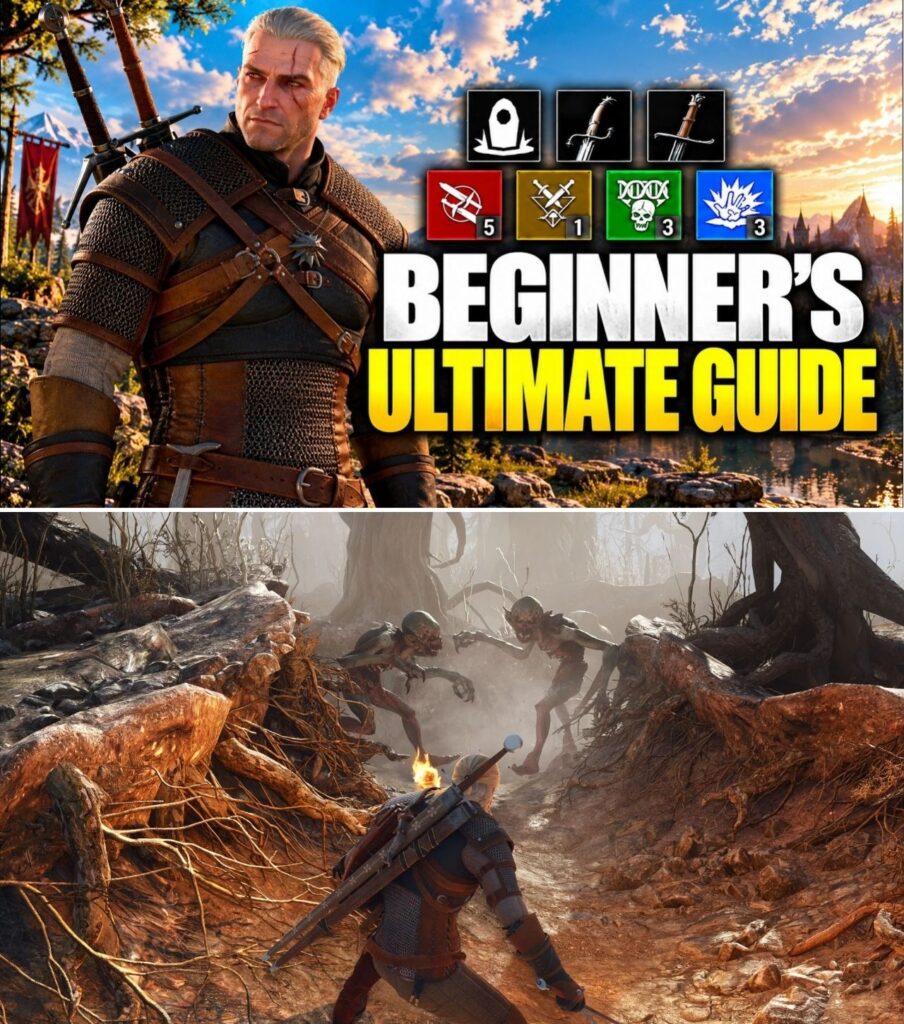


🚨 STOP PLAYING THE WITCHER 3 REMASTERED UNTIL YOU CHANGE THESE CRUCIAL SETTINGS! 🚨
Did you dive straight into the Remastered edition without tweaking your settings, only to find yourself struggling with clunky horse controls, annoying automatic sword drawing, and tedious inventory looting? 🤬⚔️
Most players spend dozens of hours suffering through default game configurations because CD Projekt Red hid the best quality-of-life improvements deep inside the menu systems! From tweaking alternate movement responsiveness to setting up quick-casting signs without fumbling through radial wheels, these essential early-game adjustments completely transform your playthrough from frustrating to absolute perfection! ⚙️💥
Why struggle with outdated game design when you can instantly unlock the smoothest combat and exploration experience on the Continent? 📉🔥
Don’t ruin your new playthrough—click below right now to discover the vital settings you need to change before stepping foot in White Orchard! 👇🔥
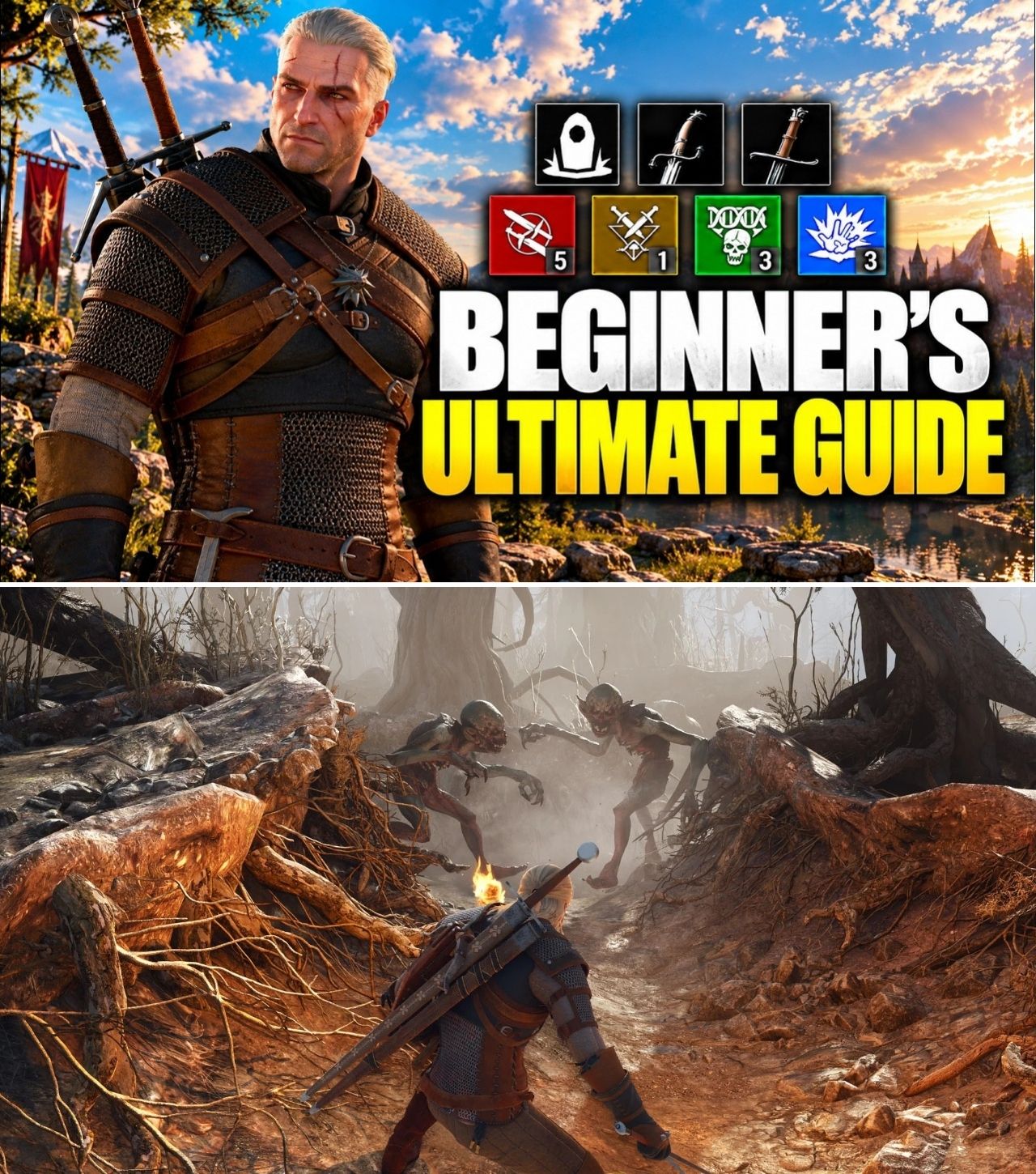
When CD Projekt Red released the comprehensive Remastered (Next-Gen) update for The Witcher 3: Wild Hunt, it brought more than just ray-tracing, improved texture packs, and integrated community mods. It introduced vital quality-of-life (QoL) settings, alternative control schemes, and gameplay tweaks designed to modernize an action RPG that originally debuted in 2015.
However, many of these crucial enhancements are buried deep within the game’s menu options. For veterans and newcomers embarking on a fresh playthrough, diving into the Continent without adjusting these settings can lead to unnecessary combat friction, sluggish horse handling, and tedious menu management.
Here is the ultimate breakdown of what you need to do first before leaving White Orchard to make your Remastered playthrough infinitely better.
1. Switch to Alternate Movement Responsiveness
One of the most persistent complaints during the original 2015 launch of The Witcher 3 was Geralt’s heavy, momentum-based movement. Navigating tight spaces, looting specific chests, or turning around quickly often felt like steering an oil tanker.
Fortunately, CDPR introduced the Alternate Movement Response setting.
-
What it does: It drastically tightens Geralt’s turning radius, removes his heavy acceleration lag, and makes responsive platforming, dodging, and precise positioning infinitely smoother.
-
Why do it first: Turning this on immediately eliminates the awkward clumsiness associated with early-game exploration and melee positioning, especially when fighting groups of nekkers or bandits in confined spaces.
2. Enable Quick Sign Casting
In the original game, casting signs required either opening the radial wheel (which paused the action and broke combat flow) or assigning signs manually in a cumbersome manner. The Remastered edition introduced a game-changing feature: Quick Sign Casting.
-
What it does: By enabling this option in the gameplay settings, players can cast signs directly using controller hotkeys or keyboard shortcuts without ever opening the radial menu.
-
Why do it first: Combat in The Witcher 3—especially on Death March difficulty—relies on seamless defensive weaving. Being able to drop an Yrden trap, pop a Quen shield, or blast an oncoming pack of wolves with Igni instantly without breaking your attack rhythm completely alters the combat meta for the better.
3. Adjust Camera Distance and Fisheye Settings
The Remastered update introduced customizable camera perspectives, allowing players to pull the in-game camera further away from Geralt’s shoulder.
-
What it does: Setting the exploration, combat, and horse-riding camera distances to “Close” or adjusting them to your personal preference provides a wider field of view (FoV). Additionally, tweaking or disabling the Fisheye Lens Effect during Witcher Senses prevents visual distortion.
-
Why do it first: A wider camera angle lets you track flanking enemies during chaotic group fights far more effectively, preventing off-screen surprise attacks and improving overall spatial awareness.
4. Tweak Auto-Sword Drawing and Level Scaling
Managing inventory and combat automation can make or break your immersion. Two specific settings deserve immediate attention:
-
Auto-Sword Drawing/Sheathing: Turning this off prevents Geralt from automatically pulling out his steel or silver sword when hostile monsters or humans approach. While it sounds convenient, auto-drawing often forces the wrong blade or triggers unwanted combat animations when you simply want to explore. Manual control gives you absolute precision.
-
Enemy Level Scaling: Found in the gameplay menu, enabling level scaling ensures that lower-level enemies scale up to match Geralt’s level, preventing you from out-leveling early regions and keeping quests challenging. However, note that certain bugs (such as the notorious higher-level difficulty spike with underwater rats) make toggling this off situational depending on your preferred challenge level.
5. Streamline Looting and UI Options
Looting is an inevitable part of the Witcher experience, but picking up every broken rake and rusted sword can clog your inventory instantly.
-
Hide Minimap Quests / Points of Interest: For players seeking a more immersive, exploratory experience akin to Elden Ring, tweaking the HUD settings to minimize clutter on the minimap forces you to pay attention to visual world cues rather than staring at compass markers.
-
Instant Loot Pop-ups: Ensure your UI options are configured to minimize extra confirmation screens when picking up crafting materials and alchemy ingredients.
Conclusion: Setting Yourself Up for Mastery
Taking ten minutes in White Orchard to properly configure your control scheme, camera distance, and quick-casting options transforms The Witcher 3 Remastered into a modern, razor-sharp masterpiece. By removing the clunky barriers of the original 2015 release, these adjustments let you focus on what truly matters: tracking monsters, unraveling political intrigue, and enjoying one of the greatest stories ever told on the Path.

Leave a Reply