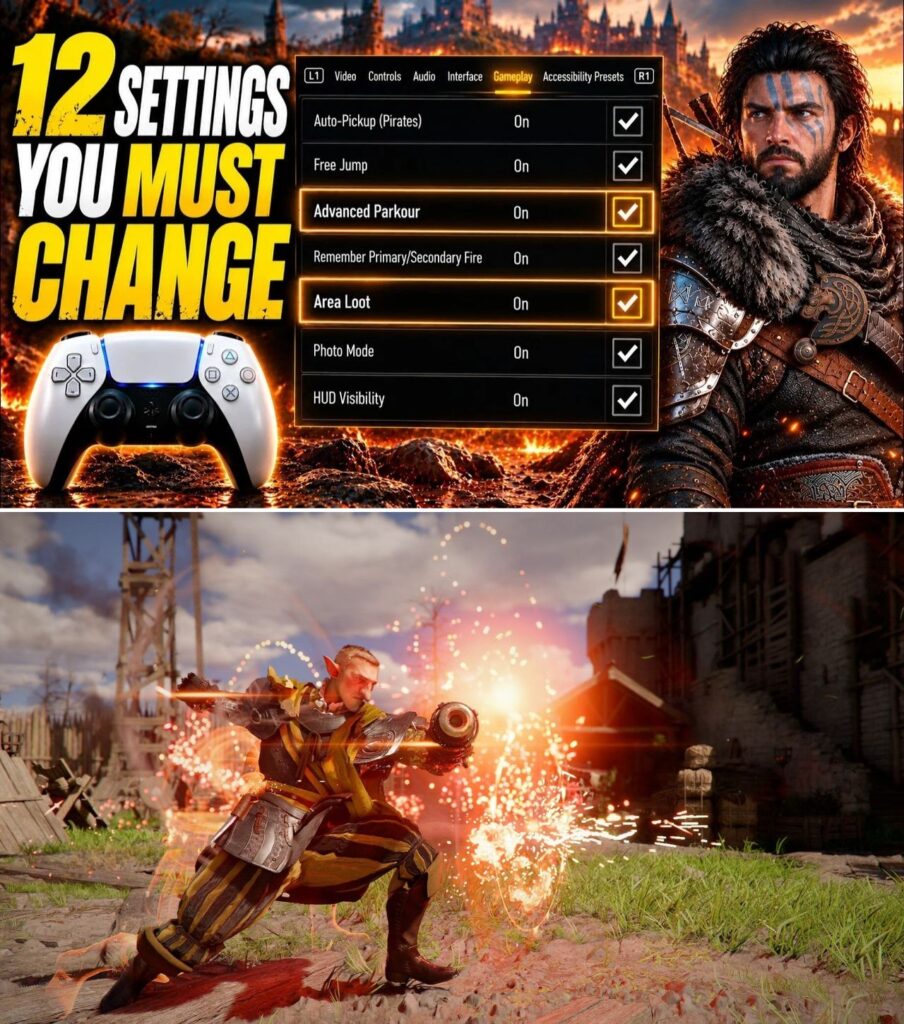



🚨 STOP PLAYING CRIMSON DESERT RIGHT NOW UNTIL YOU CHANGE THESE SETTINGS! 🚨
If you’re diving straight into the Charting the Unknown DLC with your default configurations, you are literally setting yourself up for disaster. Thousands of players are already raging on Reddit and Discord because a handful of hidden options are completely breaking their frame rates, ruining combat responsiveness, and locking them out of smooth navigation across Pywel’s massive new frontiers.
From engine-crushing volumetric settings tied to the BlackSpace Engine to camera blind spots that get Kliff, Oongka, and Damiane killed during intense boss rushes in the Garden of Trials, these 12 tweaks are non-negotiable. But here’s the kicker: Pearl Abyss hid two specific rendering toggles deep inside the graphics menu that most veteran players completely overlook until it’s too late.
Are you running the expansion with optimal responsiveness, or is your rig secretly choking on data streaming issues?
👉 Uncover the full list of mandatory settings before your next session: 🔥
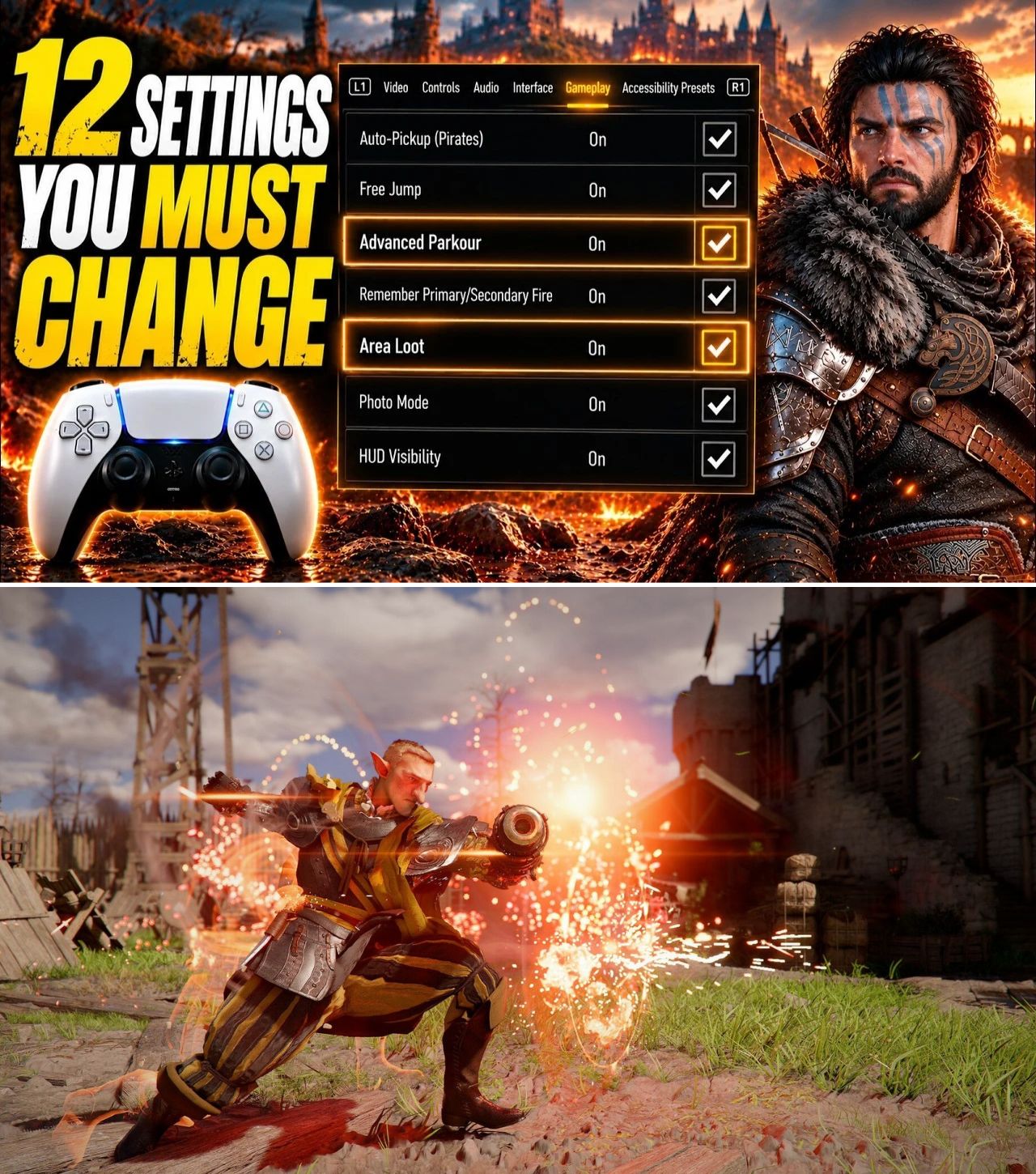
As Crimson Desert players plunge headfirst into the highly anticipated Charting the Unknown expansion, a familiar technical anxiety has once again gripped the community. Developed by Pearl Abyss using their proprietary BlackSpace Engine, the base game was already a visual behemoth that pushed modern hardware to its absolute limits. Now, with the introduction of expansive new oceanic maps, sprawling vertical mountain passes, dynamic weather storms affecting combat traction, and densely populated faction strongholds across Pywel, optimizing your client has transitioned from a matter of preference to an absolute survival necessity.
Over the past week, community hubs on Reddit, X (formerly Twitter), and official Discord channels have lit up with frantic discussions. While the expansion brings three brand-new character storylines for Kliff, Oongka, and Damiane, ship-building dispatch mechanics, and the unforgiving Garden of Trials boss rush mode, a significant portion of the player base is experiencing severe stuttering, input delay during complex combo chains, and frustrating visibility traps.
According to exhaustive community testing and technical breakdowns, standard out-of-the-box configurations fail to account for the heavy asset streaming required by the DLC’s new frontiers. To ensure your journey through Pywel’s uncharted territories remains smooth and responsive, here is the definitive breakdown of the 12 essential settings you need to change right now.
Phase 1: Performance and Engine Stability
1. Cap-Rate and V-Sync Synchronization for BlackSpace Engine
The BlackSpace Engine handles lighting, physics, and massive open-world rendering concurrently. Leaving your frame rate uncapped in the graphics menu introduces erratic frame pacing, particularly when transitioning from fast-paced combat with Kliff into wide-angle oceanic vistas. Community consensus strongly advises locking your frame rate to match your monitor’s refresh rate via an external control panel while disabling standard in-game V-Sync to minimize input lag—a critical factor when executing precise parries and dodges in high-tier encounters.
2. Volumetric Fog and Particle Density Reduction
One of the headline graphical additions in Charting the Unknown is the introduction of localized weather storms and dense atmospheric fog that roll over mountain passes. While visually striking, maxed-out volumetric settings consume vast amounts of VRAM. Dropping Volumetric Fog from “Ultra” or “High” to “Medium” yields an immediate 15% to 20% performance boost on popular GPUs like the RTX 2080 and RX 6700 XT, all without sacrificing the gritty aesthetic of Pywel.
3. Asset Streaming Priority & Texture Cache Limit
Because the expansion seamlessly bridges land exploration, deep-sea diving, and large-scale castle sieges, the game constantly streams heavy assets into memory. Players utilizing SSDs (which remain a strict system requirement) should adjust the texture cache limit upward if they possess 16GB VRAM or higher, while mid-range system users must lower asset streaming prioritization to prevent stuttering during rapid mount traversal or Kuku Rocket Pack flights.
Phase 2: Combat Responsiveness and Camera Behavior
4. Combat Camera Shake and Dynamic Zoom Dampening
During chaotic multi-target skirmishes—especially when switching control dynamically between Kliff, Oongka, and Damiane—default camera settings introduce aggressive shakes and automatic zoom-ins that obscure incoming enemy attacks. Turning down Combat Camera Shake to zero and expanding the Field of View (FOV) slider to its maximum comfortable limit prevents tunnel vision, allowing you to track heavy telegraphs from elite mercenaries and bosses in the Garden of Trials.
5. Target Lock-On Snap Sensitivity
The lock-on system in Crimson Desert can occasionally cling to minor ambient targets or distant grunts instead of priority threats during intense faction clashes. Tweaking the target snap sensitivity down ensures your inputs translate accurately when pivoting between enemies, ensuring that abilities tied to your Abyss Link resource pool hit their intended targets.
6. Input Buffer Window Adjustments
Combo execution relies heavily on the game’s internal input buffer. For players experiencing dropped inputs or delayed skill activations after the recent combat rebalancing patches, adjusting the input buffer window in the gameplay settings provides tighter control over animation cancellation, making weapon recovery frames much more predictable.
Phase 3: Interface, Navigation, and Exploration Quality-of-Life
7. HUD Clutter and Dynamic Quest Tracker Minimalization
Charting the Unknown overhauls regional influence mechanics, faction reputations across territories like Hernand and Pailune, and management systems for businesses and properties. Consequently, the default UI can quickly become overcrowded with active bounty notifications and real-time asset updates. Switching your HUD elements to “Dynamic” or “Contextual” clears up valuable screen space, ensuring your view of hidden cave entrances and underwater ruins remains unobstructed.
8. Subtitle Scaling and Audio Dynamic Range
With expanded character interactions, romance pathways, and deep political tensions unfolding across Greymane strongholds, dialogue fidelity is paramount. Setting audio dynamic range to “Midnight” or “Headphones” prevents subtle narrative cues and environmental audio clues—such as shifting ocean currents or approaching enemy patrols—from being drowned out by heavy combat music loops.
9. Map Marker Opacity and Custom Waypoint Filtering
Navigating the fog-shrouded frontiers requires meticulous route planning. Turning down default map marker opacity for completed minor bounties while maximizing custom waypoint visibility ensures you don’t lose track of high-value resource nodes, ship-building dispatch ports, or newly liberated castles.
Phase 4: Advanced Visuals and Immersion Tweaks
10. Motion Blur and Chromatic Aberration Deactivation
A staple recommendation for nearly all action-RPGs utilizing complex physical engines, completely disabling Motion Blur and Chromatic Aberration drastically sharpens the visual presentation. In Crimson Desert, where fast movement options like Water Stride and aerial traversals are commonplace, turning these cinematic filters off prevents visual smearing, making fast-paced melee engagements far easier to read.
11. Ambient Occlusion and Shadow Quality Fine-Tuning
Shadow calculations around dense foliage and architectural elements in newly claimed castles represent one of the heaviest draws on CPU performance. Setting Ambient Occlusion to HBAO+ (moderate) or disabling ultra-raytraced shadows frees up valuable processing overhead, stabilizing frame rates during large-scale faction wars without degrading the gritty atmosphere of the continent.
12. HDR Brightness and Black Level Calibration
Given the stark tonal contrast between sun-drenched coastal expansions, underground ruins, and pitch-black nocturnal explorations, default HDR settings often crush shadow details. Properly calibrating your peak brightness and black levels ensures that hidden chests, collectible blueprints, and dark hazards remain visible during subterranean navigation.
Community Reception and Looking Forward
The discourse surrounding these settings highlights a broader conversation within the Crimson Desert community. While fans are overwhelmingly praising the sheer depth of content packed into Chartingವನ್ನು the Unknown—ranging from deep-sea exploration to intricate business management in Vellua and Zargan Tankworks—players also emphasize that Pearl Abyss expects users to fine-tune their technical environment to handle the expanded scope.
As players continue to unlock high-tier regional blueprints and master the newly balanced skill trees, optimizing your client using these 12 parameters will mean the difference between a seamless, breathtaking adventure across Pywel and a frustrating technical bottleneck. Take thirty minutes to adjust your options before your next expedition—your rig, and your survival rate, will thank you.

Leave a Reply